Digital business card templates that work.
16 digital business card templates, each one a real Apple Wallet pass design drawn by the code that issues the pass. Oxford is free for good; the other 15 are on Pro. Pick one, type your name, and the card is in your Wallet in about a minute.
Free forever · No card details · About a minute
cardr.co/daniel-osei
Example of what happens next: Megan Hollis scans Daniel’s card, saves Daniel to their contacts and chooses to send their own details back. The next morning at 9 a.m., Cardr Pro reminds Daniel to follow up, with the email already drafted.
16 designs, one free.
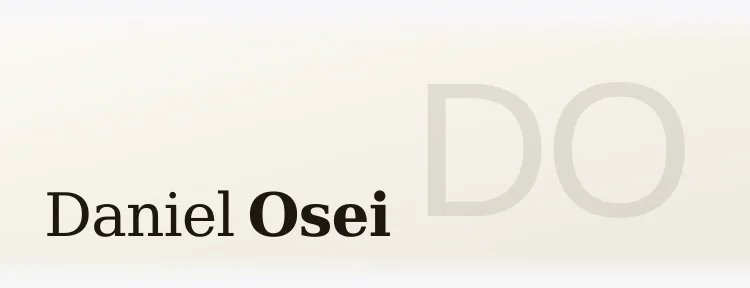
Each picture is the artwork band of the real pass, drawn by the code that issues it, for the same example holder. Open one for its colors, type, contrast and who it suits.
Dark and formal
Navy, black and red grounds with pale type, the easiest cards to read in a dim room. Oxford, the navy one, is free.
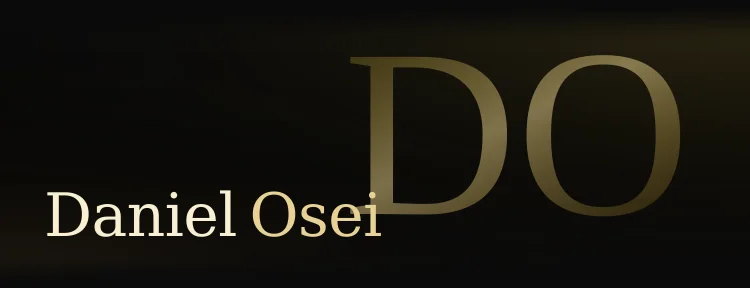

Metal and engraved
Brushed metals, and three engravings drawn from the holder's own name.
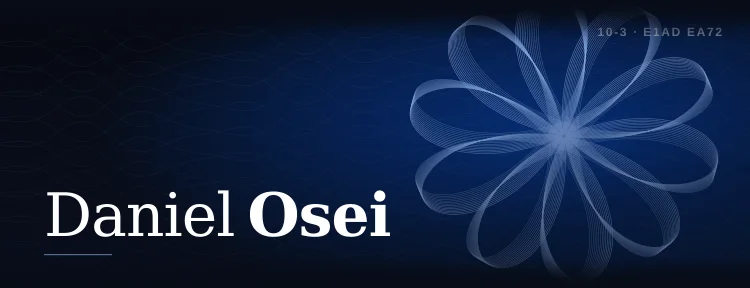 IntaglioPro
A fine-line rosette engraved from your name, on near-black ink.
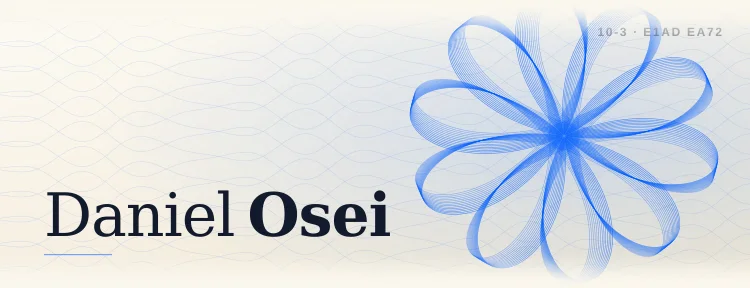 SovereignPro
Cream laid paper with a brand-blue engraving drawn from your name.
 CopperPro
Brushed copper bands with a sheen and a touch of verdigris.
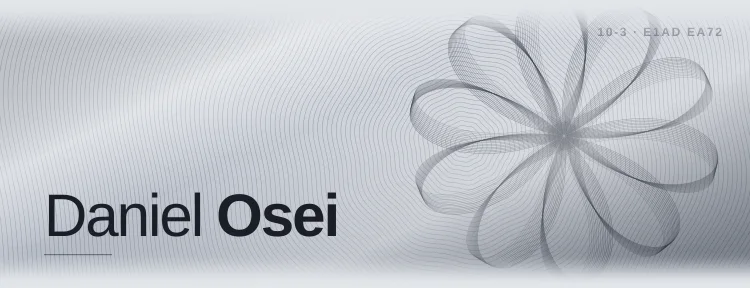 Engine TurnPro
Pale steel cut with machined guilloche lines, unique to your name.
 TitaniumPro
Brushed gray metal with a soft highlight and grain.
Color and gradients
Gradients, and the two designs that take your own colors.



Light and minimalist
White, ivory, cream and sage, with dark type.



Start in Oxford, free.
Your card is made in Oxford and is yours to keep. Pro opens the other 15 whenever you want them.
All sixteen, measured.
The plan, the colors, the typeface of the name and how strongly the pass's text stands out from its background, for every design.
| Template | Plan | Name set in | Text contrast | From your name |
|---|---|---|---|---|
| Intaglio | Pro | Iowan Old Style | 19.7:1 | Engraved |
| Sovereign | Pro | Iowan Old Style | 16.2:1 | Engraved |
| Oxford | Free | Helvetica Neue | 16.2:1 | No |
| Obsidian Foil | Pro | Iowan Old Style | 17.2:1 | No |
| Brand Color | Pro | Apple's system font, set by Wallet | 15.7:1 | No |
| Aurora | Pro | Helvetica Neue | 19.5:1 | No |
| Copper | Pro | Helvetica Neue | 12.1:1 | No |
| Engine Turn | Pro | Helvetica Neue | 13.2:1 | Engraved |
| Dusk | Pro | Helvetica Neue | 17.9:1 | No |
| Custom Gradient | Pro | Helvetica Neue | 9.5:1 | No |
| Oxblood | Pro | Iowan Old Style | 14.5:1 | No |
| Titanium | Pro | Helvetica Neue | 8.5:1 | No |
| Signature | Pro | Iowan Old Style | 15.7:1 | No |
| Sage | Pro | Helvetica Neue | 12.3:1 | No |
| Ivory Letterpress | Pro | Iowan Old Style | 15.3:1 | No |
| Classic | Pro | Apple's system font, set by Wallet | 16.8:1 | No |
Three steps, about a minute.
-
01
Make your card
Type your name, role and number. Cardr signs an Apple Wallet pass in Oxford and gives you a page at cardr.co/yourname. Free, with no card details.
-
02
Add it to Wallet
On an iPhone, tap Add to Apple Wallet. The pass opens from the lock screen with the QR code that opens your page.
-
03
Switch the design on Pro
In your card's editor, pick any of the other 15. Your pass redraws itself in Wallet and your page follows. Nothing to reissue.
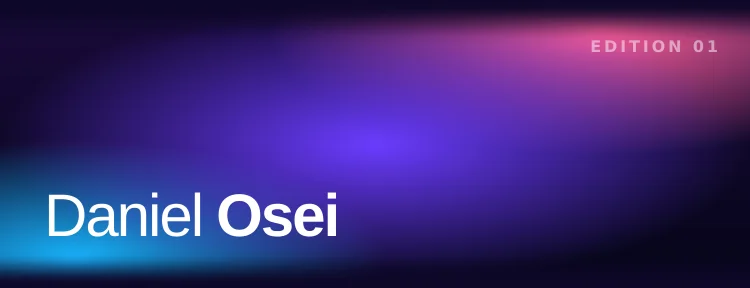
 Oxford today
 Aurora on Pro
Same QR code. Nothing reissued.
An image template, or a pass.
Most results for this search are image templates you edit and export, the kind Canva, Adobe Express and Fotor offer. Those win on freedom. A Cardr template is a working card.
| Image template | Cardr template | |
|---|---|---|
| Layout | Anything: your fonts, your logo, any arrangement | Fixed by Apple Wallet; you choose the design |
| What you end up with | A PNG or PDF | A signed Apple Wallet pass and a page at cardr.co/yourname |
| Yes | No (Cardr Metal is the physical card, sold separately, UK only for now) | |
| Sharing it | Send the image; they type your details in | They scan your QR, save you to contacts, and can send theirs back |
| After a change | Edit, export and send again | Edit once; the pass and the page update |
| Price | Often free | Oxford free; the other 15 on Pro |
Cardr template, in WalletIf you want a card to print, or total control of the layout, an image editor is the better choice. If you want the card on your phone to work in a handshake, start here.
Templates, answered.
Are these digital business card templates free?
Oxford is free, with no time limit and no card details. The other 15 are on Pro, $15 a month or $12 a month billed annually ($144 a year), with 7 days free.
Can I download a template?
No. These are designs for an Apple Wallet pass, so there is no file to edit. You type your details, and Cardr signs a .pkpass with them in the design. If you want a file to print, an image template from Canva, Adobe Express or a print shop is the right tool.
Can I design my own layout?
No. Apple Wallet fixes where the name, details and QR code go on a pass. You choose the material: one of the sixteen, your own color with Brand Color, or two colors with Custom Gradient.
Does the person I meet need an app?
No. They scan the QR code on your pass with their camera and your card page opens in their browser, on any phone, where they save you to contacts and can send their details back.
Can I change the template later?
On Pro, at any time: your pass redraws itself in Wallet and your page follows, and the QR code stays the same. On the free plan the card stays in Oxford; your name, role and details change the same way.
Can my whole team use one template?
Yes. On Cardr Teams an admin picks the design and locks it, so every member’s card wears the same one, while each person keeps their own name and photo.
Which template should I pick?
A dark one, if you mostly meet people in dim rooms: a dark card keeps your screen from glaring, and the white QR plate stands out from it. Past that, pick the one that looks like your trade. The table above gives each one's measured contrast.
Pick one. Put your name on it.
Oxford is free for good, and on Pro you can change designs as often as you like without reissuing anything.